
Wahoo KICKR Bike V1 virtual shifting
Add real gears to your Wahoo KICKR Bike V1 in any trainer app. BikeControl pairs with the trainer and changes its resistance as you shift, so the app never has to support virtual shifting itself.




PROTry it 20 minutes a day, a daily trial of Pro.Base and Pro compared
Live demo: BikeControl's ride screen
- Power
- 111W
- Cadence
- 90rpm
- Ratio
- ×2.4
Interactive demo of BikeControl's Ride screen. The readings are simulated.
The Wahoo KICKR Bike V1 with BikeControl
Status
Likely
Not tested by us yet. It's an FTMS smart trainer like the confirmed ones, so it should work. Try it and tell us through in-app support.
What you need
PROBikeControl's own virtual shifting is part of Pro.
Try it 20 minutes a day, a daily trial of Pro.
Base and Pro comparedTrainer apps
Any app that pairs a smart trainer, for example Zwift, MyWhoosh, Rouvy and TrainingPeaks Virtual.
What BikeControl does on the Wahoo KICKR Bike V1
Every time you shift: the trainer comes in, BikeControl applies your gear, and the app you ride sees a smart trainer with the right resistance.
Pairs with BikeControl over Bluetooth or Wi-Fi. Each gear sets its resistance.
Likely to work
Runs on your phone, tablet or computer and shifts the gears when you press your buttons.
Pairs BikeControl like any smart trainer. The overlay can show your gear on top.
Ride the Wahoo KICKR Bike V1 in your app
BikeControl hands each app a smart trainer, so the Wahoo KICKR Bike V1 works in any app that pairs one. Each guide walks through one app.
- ZwiftYesBikeControl hands Zwift a smart trainer to pair.Set up with Zwift
- MyWhooshOfficial partner, OpenBikeControl built inYesBikeControl hands MyWhoosh a smart trainer to pair.Set up with MyWhoosh
- RouvyYesBikeControl hands Rouvy a smart trainer to pair.Set up with Rouvy
- BiketerraOfficial partner, OpenBikeControl built inYesBikeControl hands Biketerra a smart trainer to pair.Set up with Biketerra
- TrainingPeaks VirtualOfficial partner, OpenBikeControl built inYesBikeControl hands TrainingPeaks Virtual a smart trainer to pair.Set up with TrainingPeaks Virtual



Use any controller with the Wahoo KICKR Bike V1
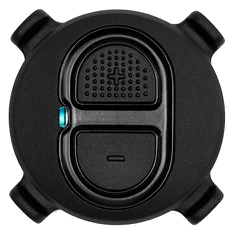
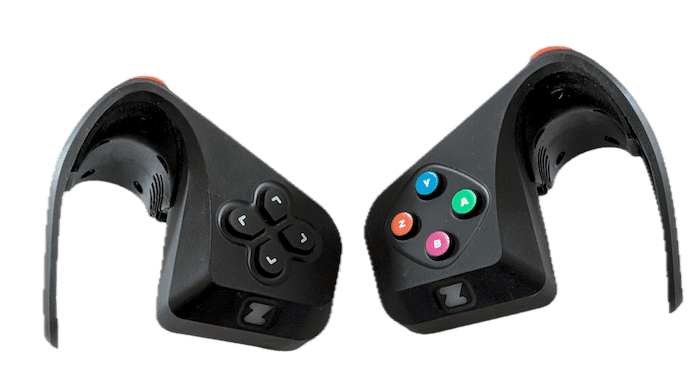
Every controller BikeControl supports works with the Wahoo KICKR Bike V1. BikeControl reads the buttons and changes resistance at the trainer itself, so the two never need to know about each other. These are the ones riders reach for most:
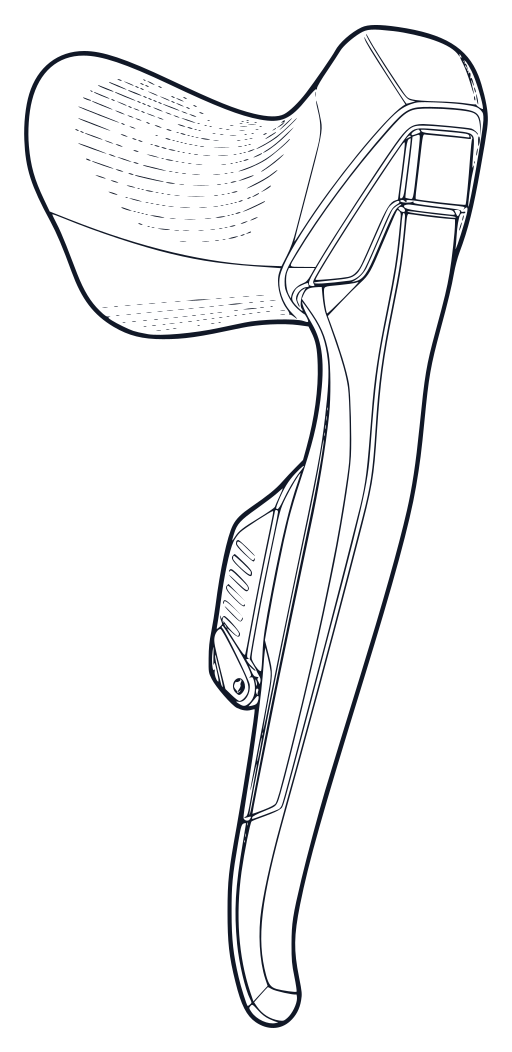
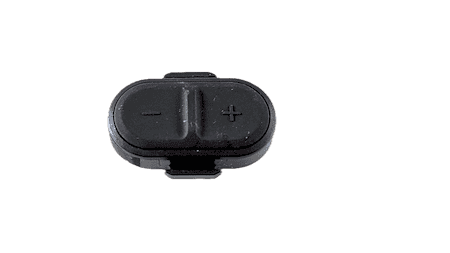
The Wahoo KICKR Bike V1 has its own shifters
You do not need to buy a controller. BikeControl reads the buttons already on the bike and carries them into apps that would otherwise ignore them.
Set up Wahoo KICKR BIKE V1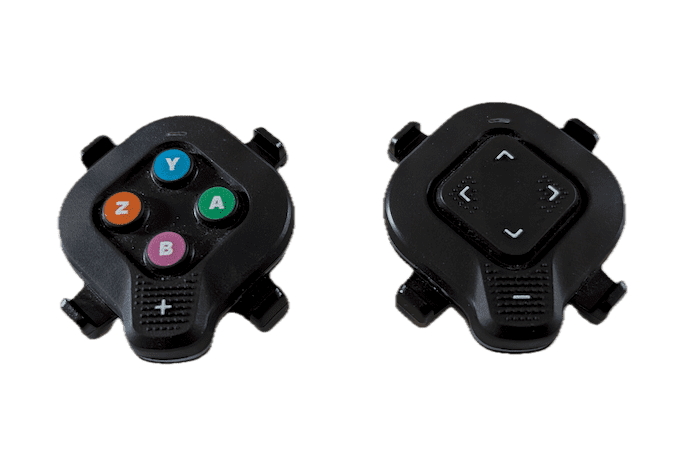

How to get virtual shifting on the Wahoo KICKR Bike V1
Install BikeControl
Install BikeControl on iOS, Android, Windows, or Mac.
Pair the Wahoo KICKR Bike V1
Pair the Wahoo KICKR Bike V1 directly to BikeControl over Bluetooth.
Add a controller
Pair a controller — a Zwift Click, Play, Di2 levers, SRAM AXS, or any of the others BikeControl supports.
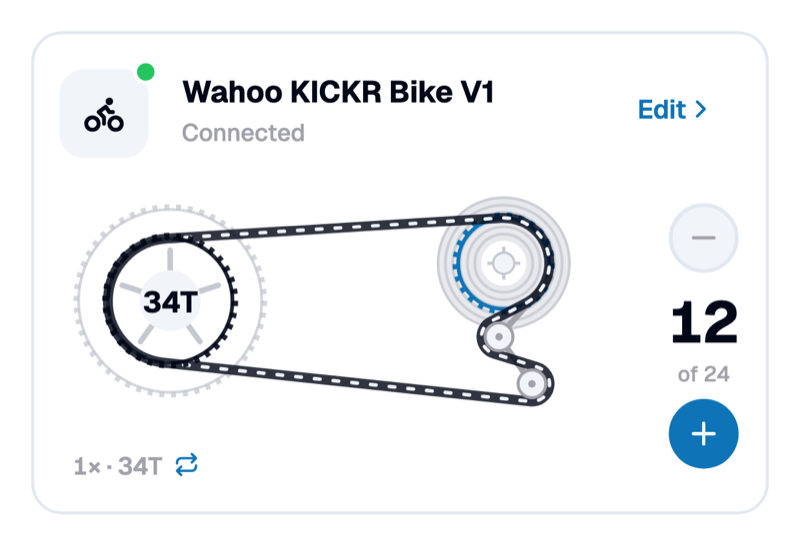
Configure gear ratios
Customize gear ratios inside BikeControl to match your real bike or preferred range.
Start your app
Start any trainer app and ride. BikeControl changes resistance at the Wahoo KICKR Bike V1 as you shift, so the app does not need virtual shifting of its own.
Frequently asked questions
Does the Wahoo KICKR Bike V1 support virtual shifting?
Which controllers work with the Wahoo KICKR Bike V1?
Which apps can I use with the Wahoo KICKR Bike V1?
Can I customize the gear ratios?
Is virtual shifting free in BikeControl?
What riders wrote in the stores
Seven reviews from the App Store and Google Play, quoted word for word.
“The high quality of both the app and customer service really makes it value for money.”
NicoGoogle Play review “it works, many possibilities, like the screenshot ability to simulate finger touch.”
CedricGoogle Play review “Works perfectly with my Zwift Cog and Click on my Xiaomi tablet.”
MaximeGoogle Play review “Because of this app I bought zwift ride. It unlocks zwift ride to be used with Mywhoosh. You can see the amount of work done by the developer through the huge amount of features.”
VladGoogle Play review “Great job by the developer! Using Cycplus BC2 on the iPhone and on the Mac. Now I can virtually shift MyWhoosh and TrainingPeaksVirtual on the Mac.”
WaltApp Store review “Works great in general, and now with SRAM. No Zwift click needed anymore which is especially helpful for ROUVY.”
RedirApp Store review “Works much better with click v2 on iPhone and MacOs myWhoosh app after the latest update. All in all, very useful app.”
r4deApp Store review
Shift your Wahoo KICKR Bike V1.
BikeControl's virtual shifting is part of Pro, a subscription. Try it on your Wahoo KICKR Bike V1 for 20 minutes a day first, a daily trial of Pro.