BikeControl 5.4 – Smart Trainers, Virtual Shifting Everywhere
By Jonas Acker · May 5, 2026 · Updated June 5, 2026
A Big Step: BikeControl Talks to Your Trainer Now
Until now, BikeControl sat between your controller (Zwift Click/Play/Ride, Shimano Di2, KICKR BIKE, SRAM AXS, Bluetooth media remotes, gamepads, …) and your trainer app. Your smart trainer itself was always behind a wall — paired directly to Zwift, MyWhoosh, Rouvy, TrainerRoad, or whatever you happened to ride that day.
With BikeControl 5.4, after months of work, you can now pair your smart trainer directly to BikeControl. BikeControl will pass it along to your trainer app — over Bluetooth or WiFi — with virtual shifting baked in, no matter what app you use.
This unlocks a list of things that simply weren't possible before:
- Fully customize Virtual Shifting gears to your liking
- Add virtual shifting capability if your trainer app doesn't support it
- Direct gear / intensity / mode changes via your controller
- Start a mini workout straight from the trainer page
- Bridge Bluetooth-only trainers to WiFi
- … and a lot more
BETA Disclaimer: While I have tested it thoroughly with my Zwift Hub and Wahoo KICKR V4, each smart trainer is different. Initial Beta feedback was great, and I'm building a list of supported trainers. You can help by submitting your feedback with the new in-app-support!
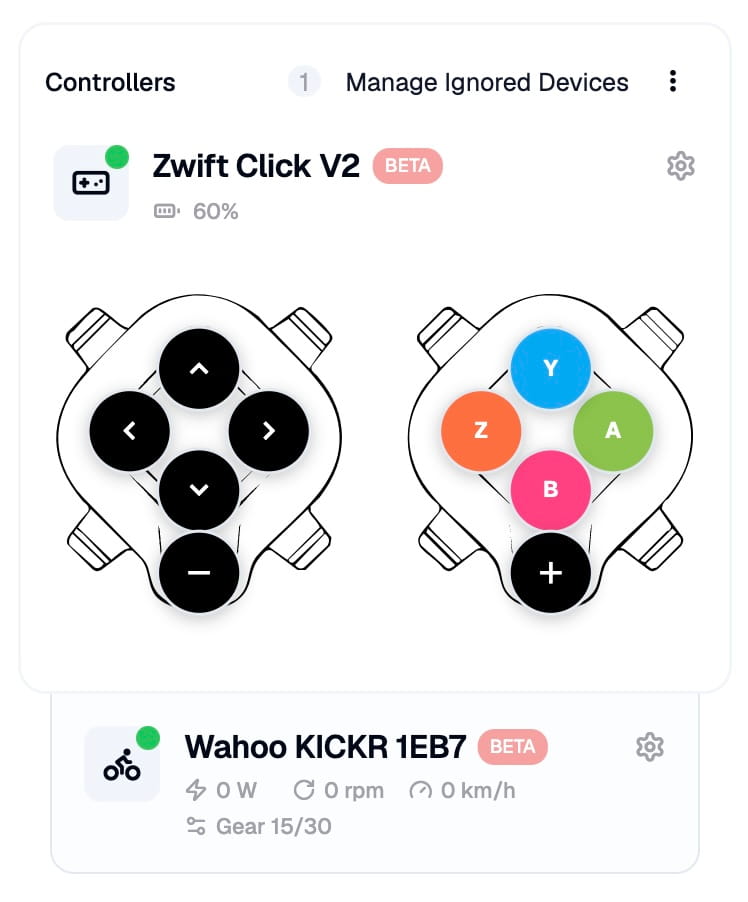
Connect Your Smart Trainer to BikeControl
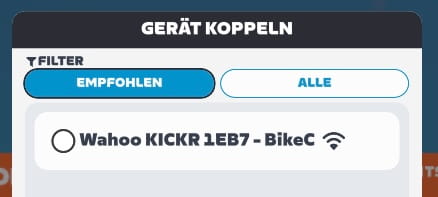
Open the app and BikeControl scans for compatible trainers nearby. Tap one and you're paired. From the trainer details page you choose how the trainer should appear to your training app:
- Proxy — a clean pass-through with no virtual shifting added. Useful for diagnostics or when you want the trainer app to talk to the trainer "as is".
- Virtual Shifting (WiFi) — your trainer is published over your local network. Great for apps that talk to network trainers, e.g. MyWhoosh, or Zwift on Apple TV.
- Virtual Shifting (Bluetooth) — your trainer is re-published as a regular Bluetooth smart trainer with a virtual cassette in front. Recommended on iOS, where Bluetooth tends to be more reliable in the background than networking.
Switching between modes is live — no need to re-pair — and your choice is remembered per trainer, so the next time you tap to connect, the right mode is picked automatically. New smart trainers also default to Virtual Shifting on first connect, because that's almost always what you want.
Smart Trainers already confirmed to work well:
- Wahoo KICKR V4
- Zwift Hub
- Wahoo KICKR Core 1
- Wahoo KICKR Core 2
Generally speaking, if your trainer is FTMS or FE-C compatible and works with Zwift or MyWhoosh, it should work with BikeControl's virtual shifting. If you have a different trainer, please try it out and share your experience in the new in-app support chat! You can browse every supported trainer and app combination on the Virtual Shifting hub.
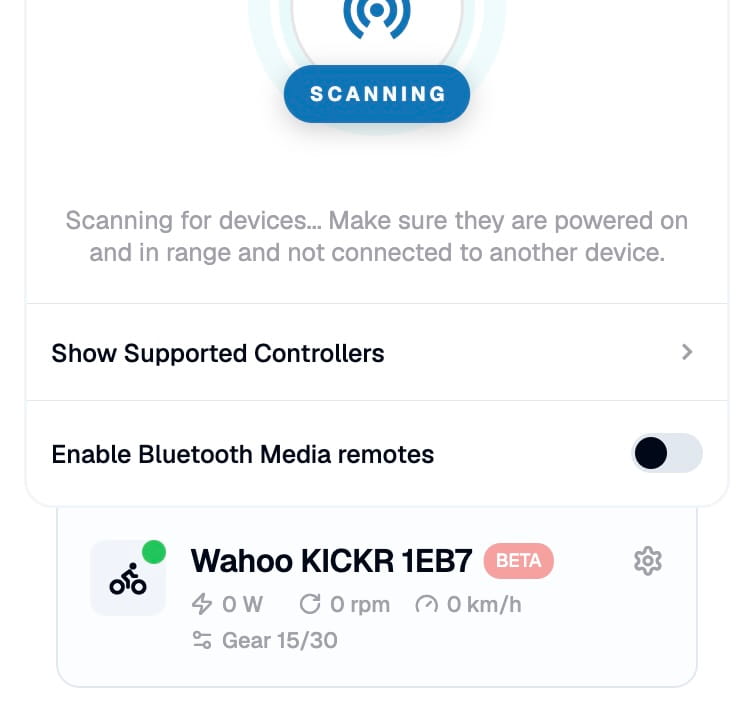
Add Virtual Shifting to Apps That Don't Have It
This is the headline feature. Plenty of indoor cycling apps still don't ship virtual shifting at all — or only on a subset of trainers. With 5.4, any FTMS compatible smart trainer becomes a virtual-shifting trainer, regardless of which app you ride in.
The way it works in plain terms: BikeControl looks at what your trainer can do, applies your chosen gear ratios, and only sends the resistance the current gear asks for to your trainer app. To Zwift, Rouvy, MyWhoosh, or whatever's on screen, your trainer simply behaves as it always would. To you, every press of the up/down button on your controller changes the gear cleanly — with the same feel across every app you use.
Apps that have a "natural" gear count get a sensible default (MyWhoosh starts at 30 gears, most others at 24), and you can change that any time. See no point in having full 30 gears? Adjust it to 10 – up to you!
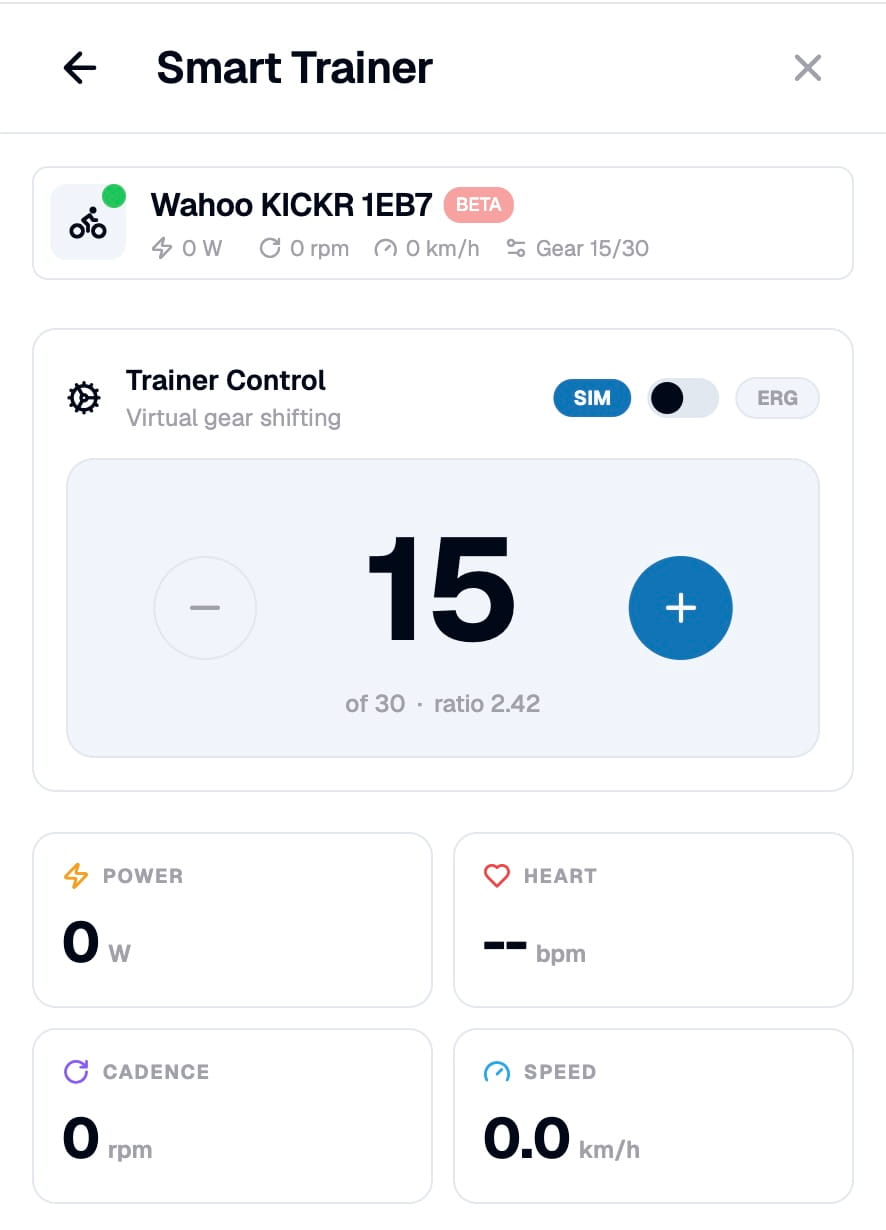
Fully Customize Your Gear Ratios
The new Shifting Config Picker sits on the trainer details page. Keep the default linear setup, or create named configs ("Climb day", "Sprint workout", "Easy spin") with completely custom ratios.
The Gear Ratios Editor lets you pick how many steps you want (anywhere from 1 up to 30), drag each ratio individually, and watch the curve preview update live. Configs are saved, can be duplicated, and stick to the trainer they were used on, so swapping configs is one tap — not a settings safari. If you previously edited a 24-step ratio list under app settings, those are migrated forward and become your first custom config.
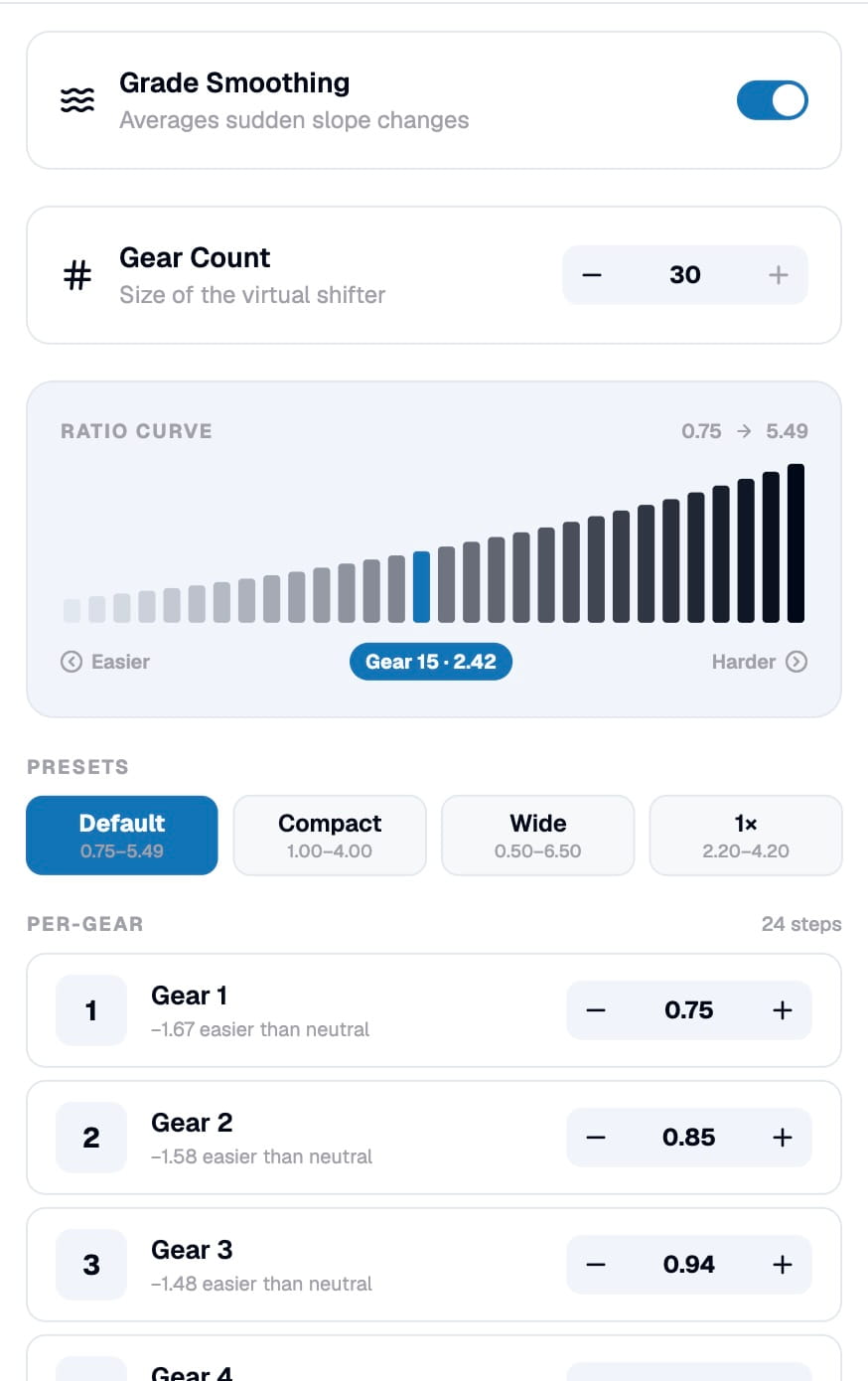
Direct Gear, Intensity, and Mode Changes from Your Controller
Because BikeControl is now in the trainer's signal path, your controller's buttons can talk to the trainer, not just to the screen.
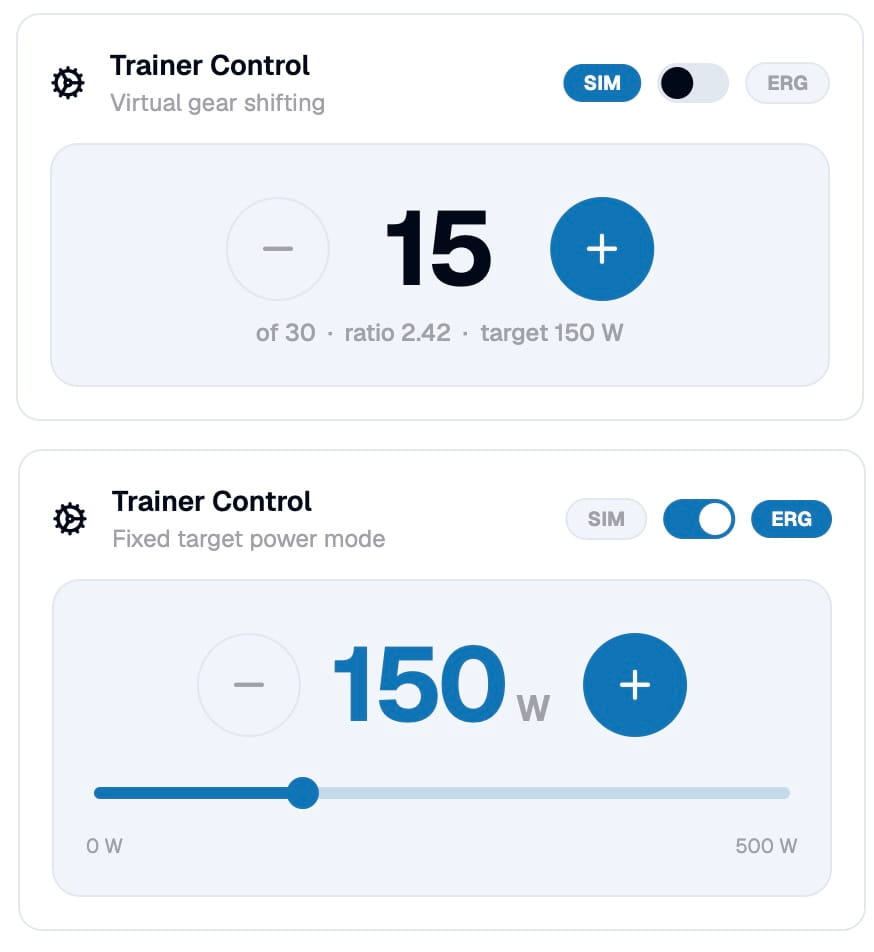
- In SIM mode (regular ride): up/down shifts gears.
- In ERG mode (workouts): the same up/down adjusts the watt target in steps, with a live
+/–next to the watt readout. - A new dedicated Switch Mode action toggles between SIM and ERG without leaving the saddle.
- Workout Pause / Resume is a real trainer action now, with a quick feedback prompt afterwards.
The clever bit: these actions are mode-aware. A single binding ("shift up") automatically becomes "ERG +" while you're in a workout. No more re-binding the same button per app — one mapping, the right behavior at the right time.
A Mini Workout, Right There on the Trainer Page
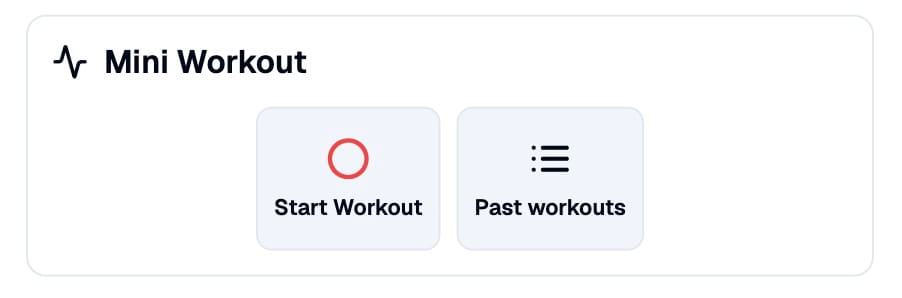
Just want to go for a quick spin? Once a smart trainer is connected, the trainer details page sprouts a Mini Workout card. Tap record, ride, tap stop — that's the full UI. BikeControl captures power, cadence, speed, and (when a sensor is paired) heart rate, then saves a standard .fit activity file to your device.
After you stop, a summary page shows duration, distance, and average + max power, with Share and Open folder buttons so you can drop the .fit straight into Strava, intervals.icu, Garmin Connect, or wherever you keep your rides.
Bridge Bluetooth Trainers to WiFi
Some setups have a smart trainer that's only reachable over Bluetooth, while the training app runs on an Apple TV or a tablet that's better fed over WiFi. BikeControl 5.4 ships a built-in Bridge: it takes a Bluetooth-only trainer and re-publishes it on your local network as a discoverable WiFi trainer.
The Bridge only stays active while the trainer is actually being used — no wasted radio time when the app is paused — and the trainer card on the home screen shows you at a glance whether it's currently up. For non-Pro users the Bridge runs as a 20-minute free trial per session, with the remaining minutes shown on the details page and a notification when the trial expires — enough to confirm everything works before deciding if Pro is worth it.
In-App Chat Support — With Attachments and Diagnostics
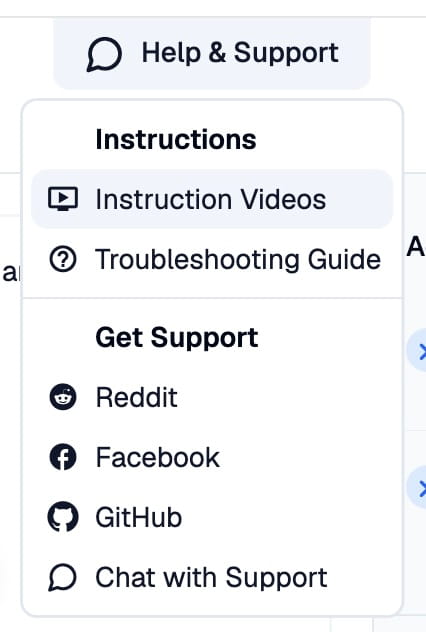
The old "send a mail with logs" flow is obsolete. Help & Support is now a real chat, so you (and I) can better manage support requests.
Each support message contains an anonymized snapshot of your connections, app/device version, and current settings — exactly what I'd otherwise have to ask you to copy/paste. You can see preview what is transmitted in before sending.
This way I can see what's going on, and help you troubleshoot your devices. You'll also be notified of replies by mail.
Redesigned Controller Visualization — With Real Contours
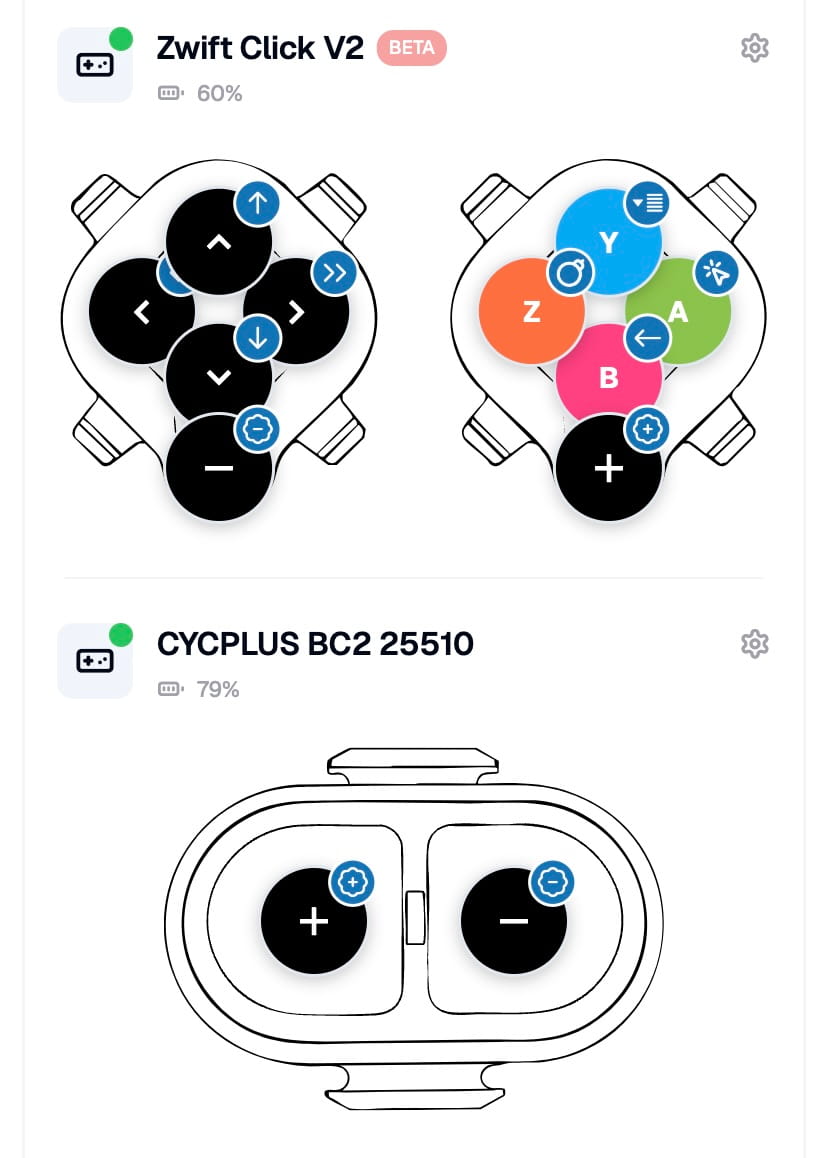
The main screen no longer shows a generic row of buttons. Each supported controller now has its own outline drawn from the real device shape: Zwift Click v1 and v2, Zwift Play (left, right, both, plus the drop-bar variant for the Ride), CYCPLUS BC2, Thinkrider VS200, Elite Sterzo, and more.
Buttons are placed on the outline itself, where your thumb actually is on the real device — so when you press a button in the world, the right one lights up on screen. Tap any button to jump straight into editing its action.
Android: Broadcast a Custom Intent on Button Press (Pro)
For Android Pro users, every controller button can now broadcast a custom Android Intent when pressed. Plug that into automation apps like MacroDroid or Tasker (or anything else that listens for one) and your handlebar suddenly becomes a system-wide remote.
A few examples:
- A long press on the bell button triggers a doorbell-style sound through MacroDroid.
- Another button kicks off a Tasker shortcut that mutes notifications for the next 60 minutes.
If something on your phone (or your smart home) can listen for an Intent — from Home Assistant bridges to your own apps — it can now react to your handlebar. This is genuinely the "do whatever you want with a button press" knob, and it stays completely out of the trainer app's way.
How to Get It
5.4 is rolling out now on Android, iOS, Windows, and macOS.
Do I need Pro for any of the new features?
- The Bluetooth to WiFi bridge is available to all users with the Base version
- Mini Workouts are available to all users with the Base version
- Virtual Shifting with BikeControl is limited to 20 minutes per day for Test or Base users, allowing you to check if it works and decide if the upgrade to Pro is worth it to you
As always — if something feels off, or there's a feature you'd like, comment below, use the new in-app support, or tag along the discussion on Facebook or Reddit.